User Interface
We provide a GUI to users if you want to visualise your assemblies.
The user Interface is based on Wenzel Jakob’s project NanoGUI. For more informations about this project, look here.
TopoCreator
The purpose of this program is to load an already defined assembly (as JSON file). Modify the properties of the assembly visually; save the modifications into a new file. Then, this file can be used as an input file for checking whether or not the new assembly is interlocking.
Note
We are currently adding the possibility of checking directly in the software if the modified assembly is Interlocking.
Quickstart
Use the Load button to read a JSON file which contains your assembly.
The Scene button gives you access to a bunch of rendering settings.
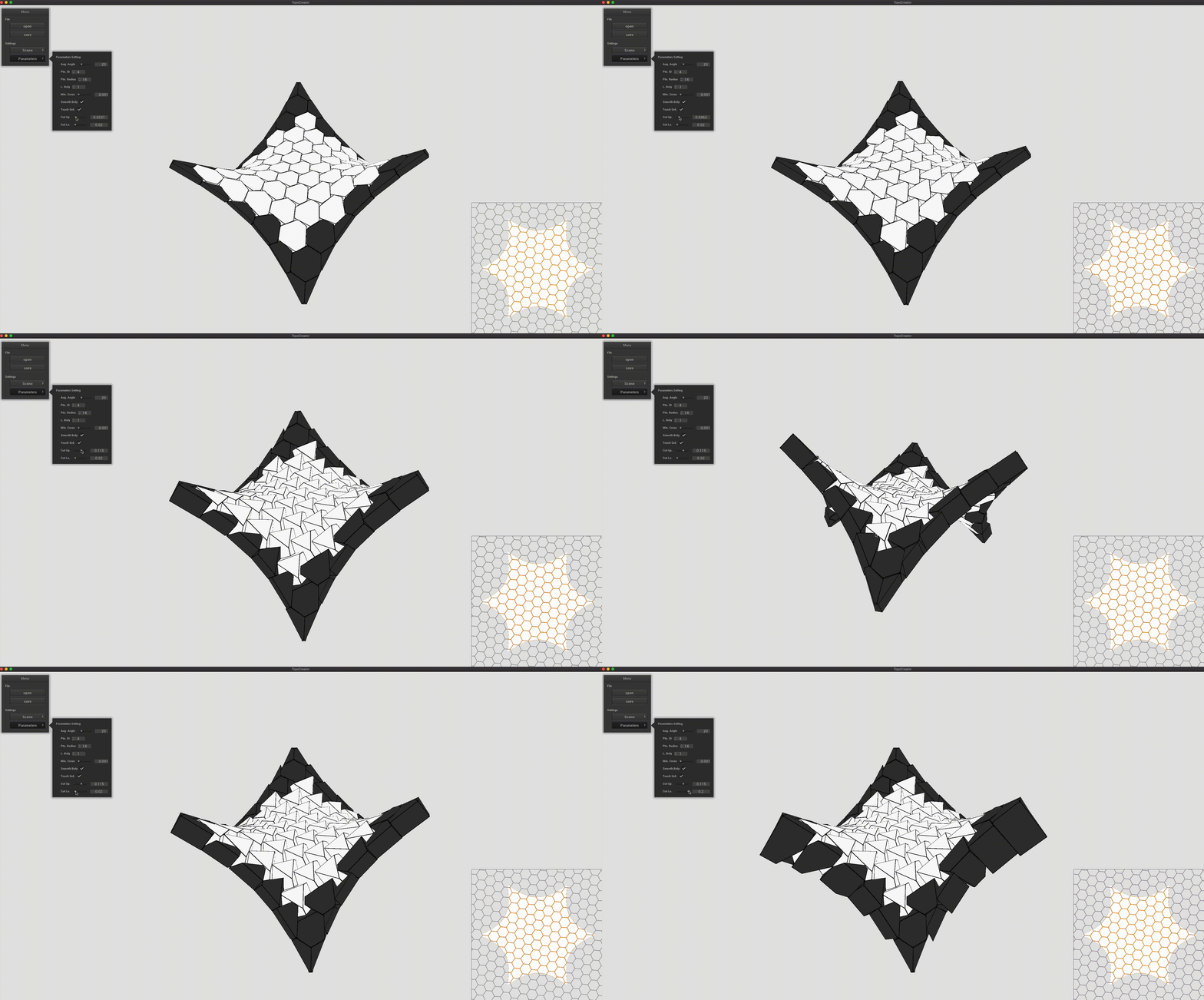
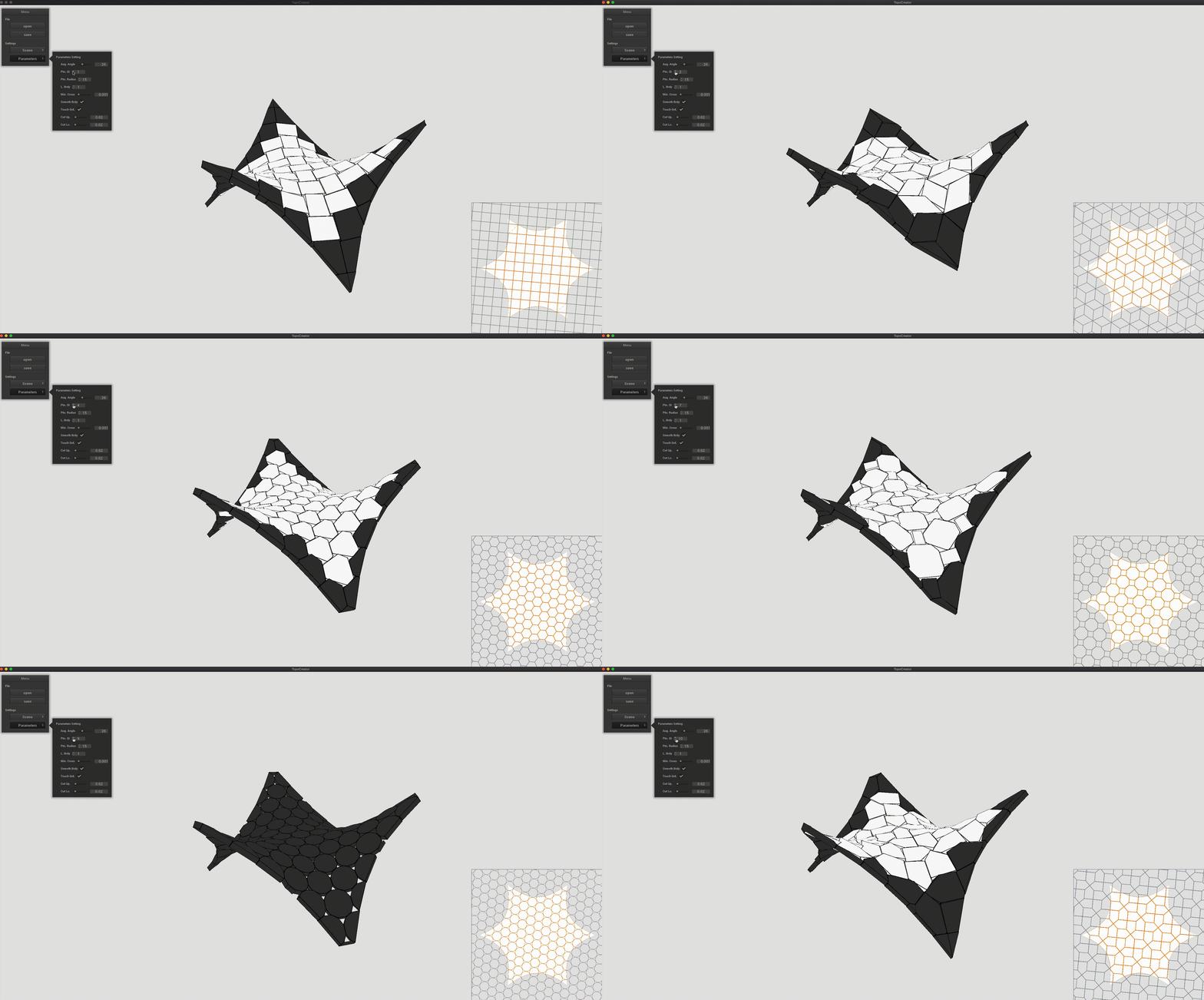
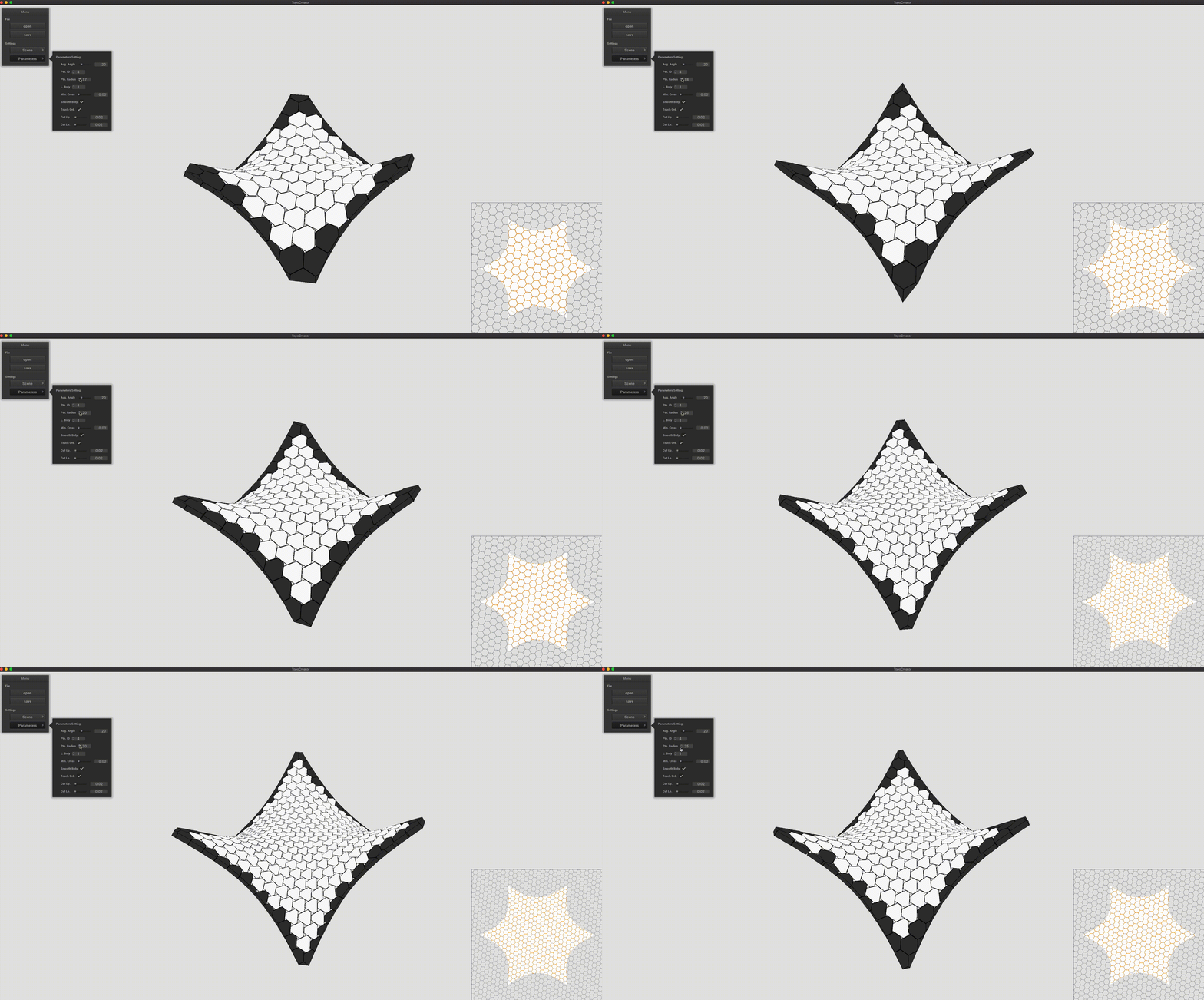
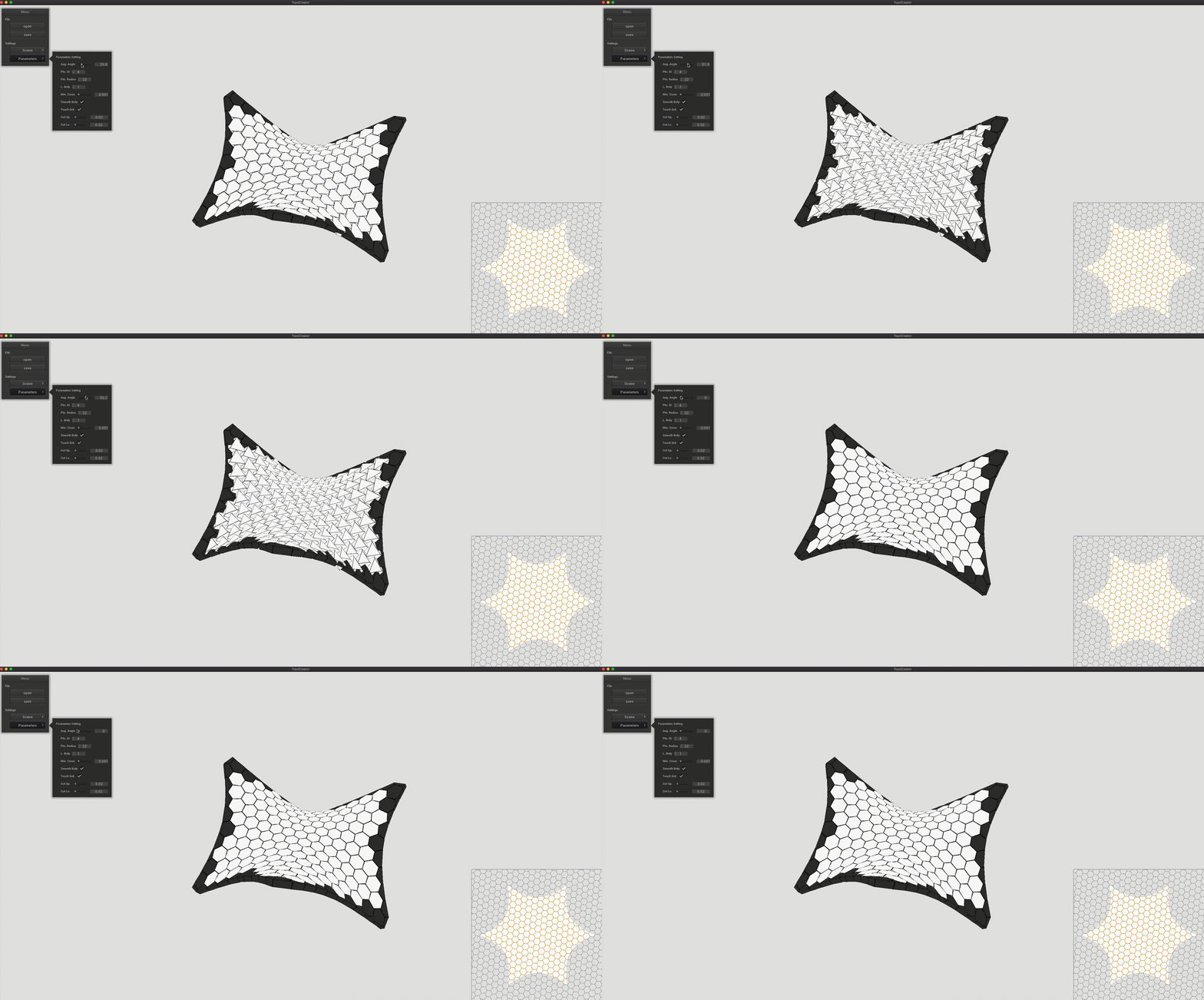
The Parameters button triggers a menu that lists the available modifications to do on the assembly.
Once the assembly looks like what you wanted. Click on Save.
InterlockingGUI
Note
Under development